Personal
Plan the month, give what you send home its own line, and see every account in the currency you think in. Here's how each part works.
What you invested, what it earned and what it paid in dividends.
Add assets, follow quotes and see dividends and positions in the same place as the rest of your money. On the Pro plan: stocks, REITs and portfolio performance.
Inside
Wallets and sub-wallets: group assets by strategy; each wallet shows value, today's change, gain, ROI and IRR for everything inside it, and its balance shows in the side menu.
By wallet or one list: switch between both views, with assets grouped by type (stocks, REITs, ETFs...).
Simulate a price: type a price and every total recalculates on the spot, before you save.
Exchanges worldwide: US, B3, London, Toronto, Frankfurt, India and China, with daily quotes.
Real return per asset: ROI, annualized return (IRR), yield on cost, realized and unrealized gains, calculated from your own transactions.
FIFO lots: every buy becomes a lot; see what's long-term and short-term before you sell.
One position, many brokers: the same asset added up across accounts, with each broker's detail.
Transfers between brokers: move shares from one account to another and the average cost goes with them.
Every event: buy, sell, dividend (cash or reinvested), interest, split, return of capital and options.
Automatic quotes and exchange rates: updated every day; a new asset arrives with up to five years of price history.
Display currency: see any asset in dollars, euros, Canadian dollars or yen, even with brokers in different currencies.
Broker import: investment CSV, including the Quicken format, without duplicating what's already in.
PDF export: the asset's full history, with metrics, lots and transactions.
Security detail
VXUS
VXUS - Total International Stock ETF
10/09/26
71.40
Realized gains
Unrealized gains
Lot breakdown
| Date | Description | Shares | Cost Basis |
|---|---|---|---|
| 10/09/24 | Initial Purchase (Long Gain) | 120 | $5,997.60 |
| 12/13/25 | Sell (Long Gain) | -20 | $999.60 |
| 05/12/26 | Initial Purchase (Short Gain) | 40 | $2,684.64 |
| 04/17/25 | Move Shares In | 60 | $3,341.52 |
For anyone paid in dollars or saving in euros.
Each account stays in its own currency, transfers convert at the exchange rate and the total shows up in your main currency. Available on the Pro plan.
Inside
Accounts in their own currency: dollar, euro, yen and more.
Transfers with exchange rate: the conversion is recorded.
Total in your main currency: one number, adding it all up.
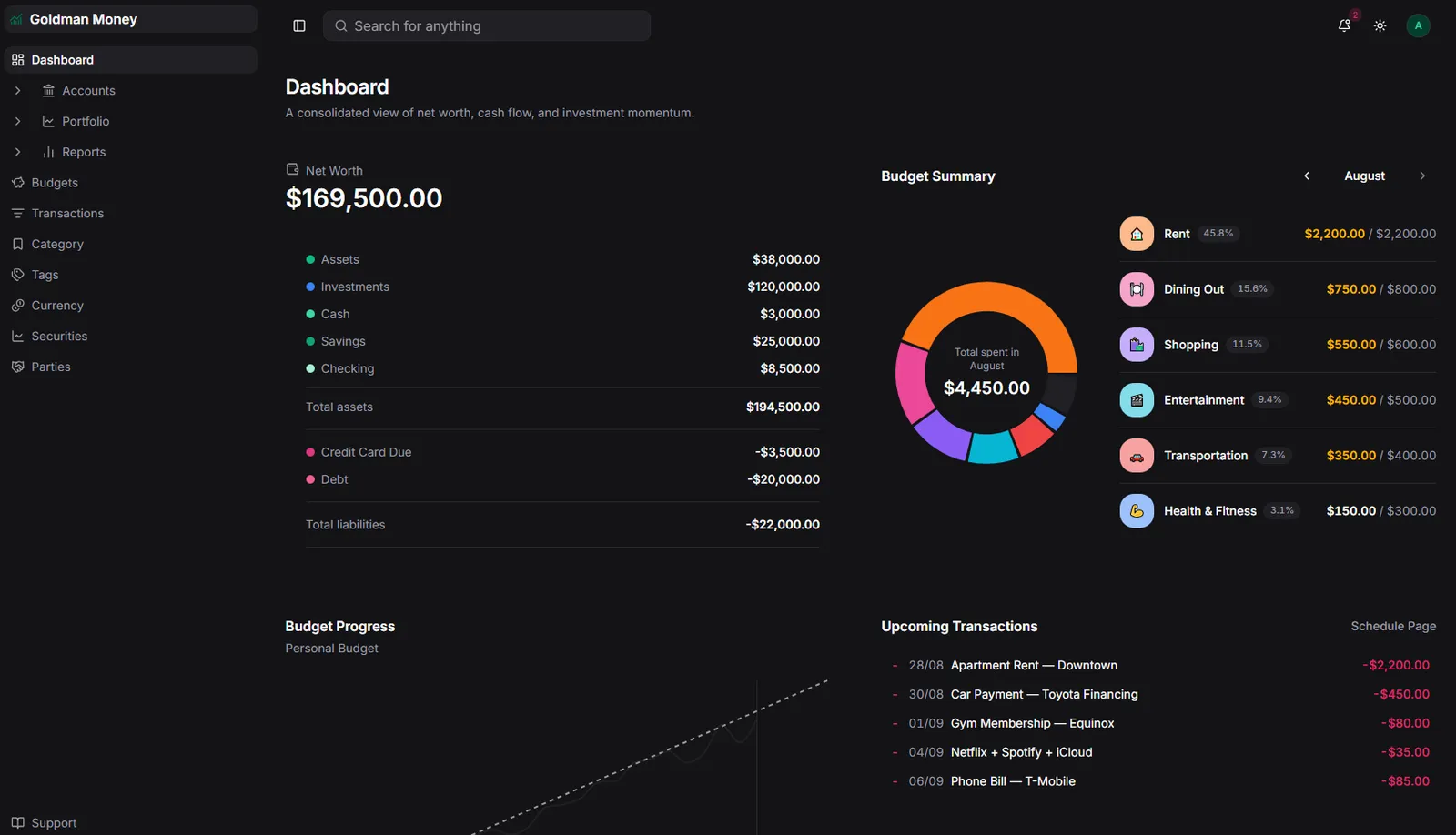
How much you really have, adding it all up.
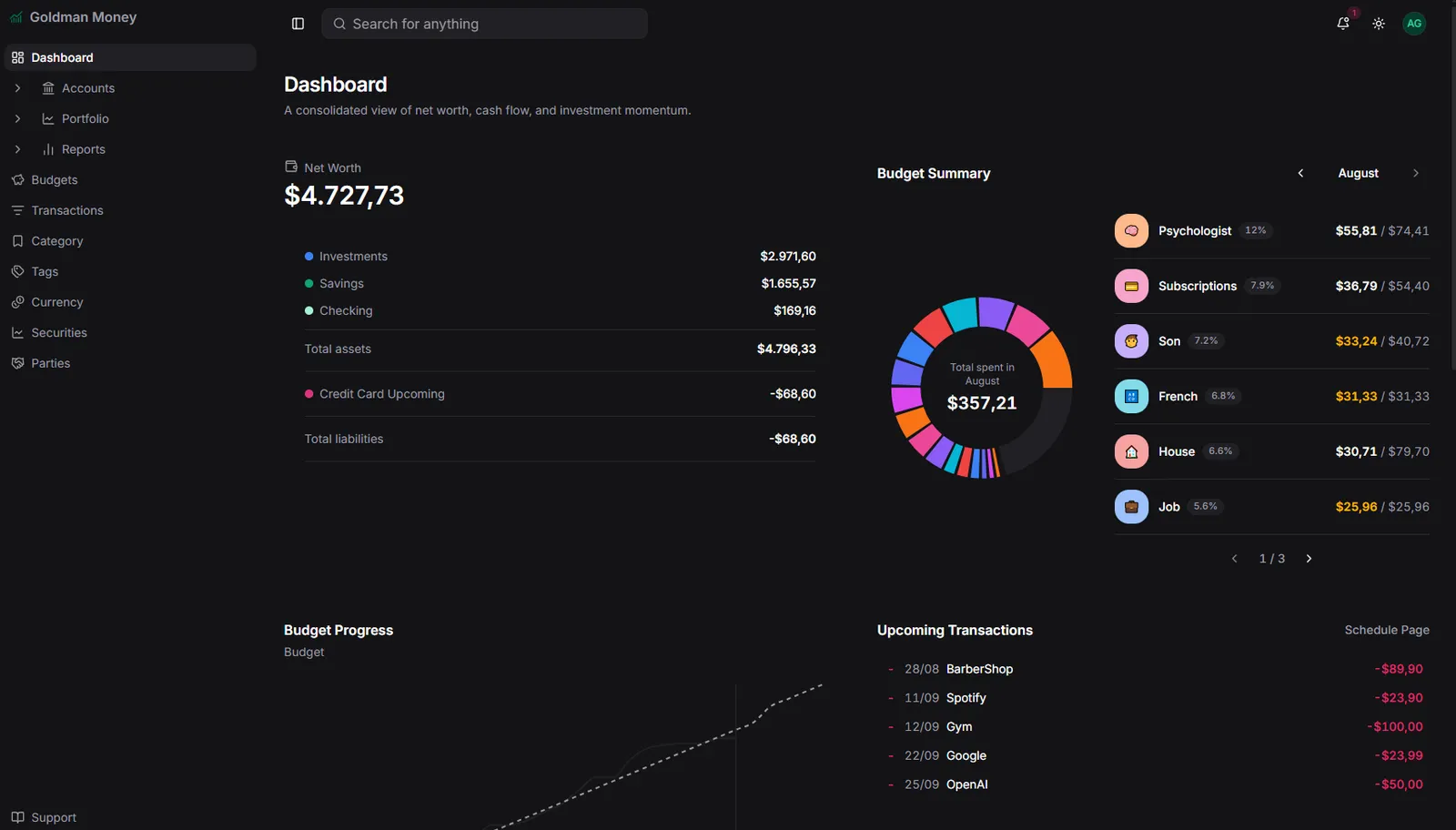
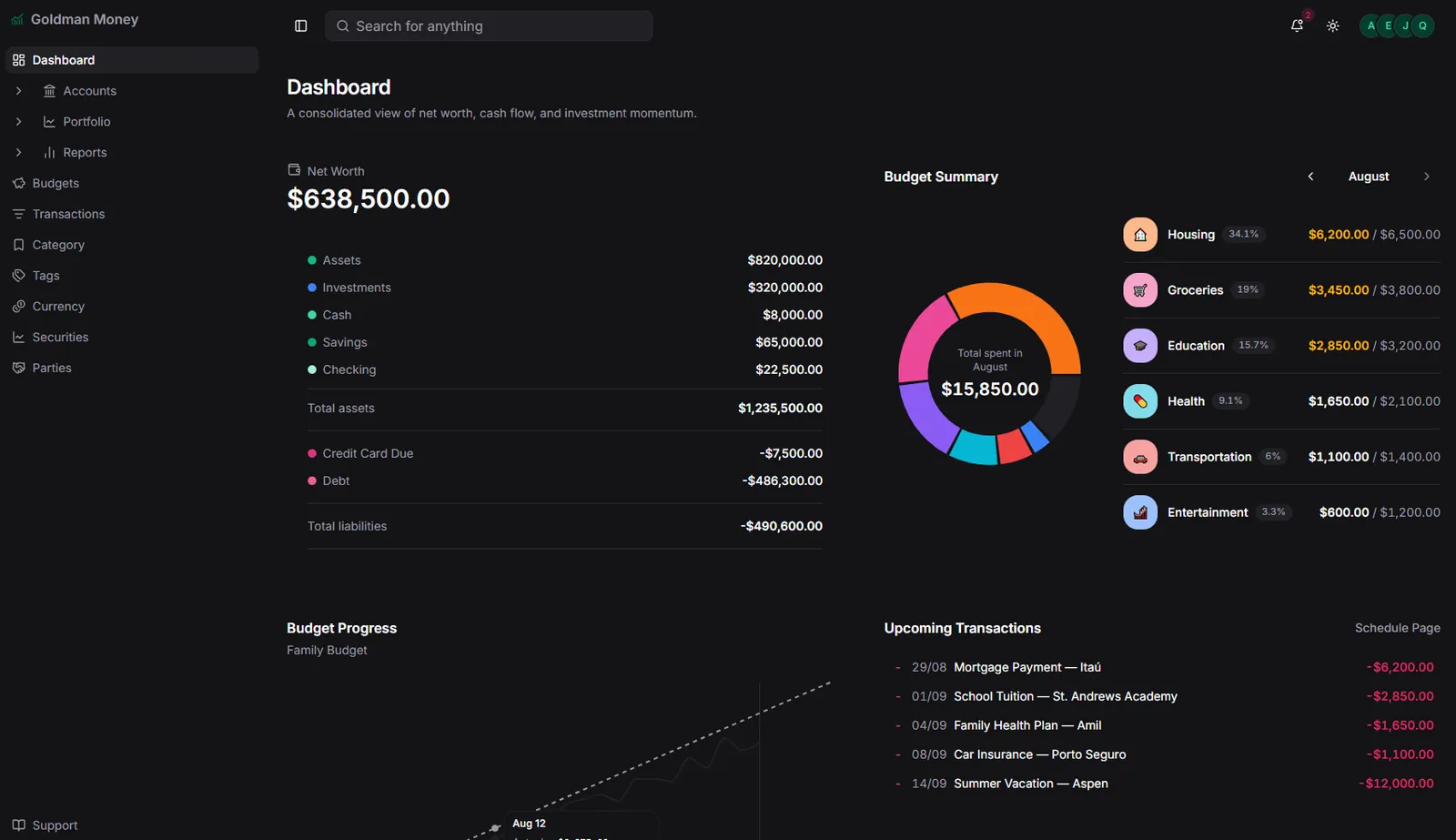
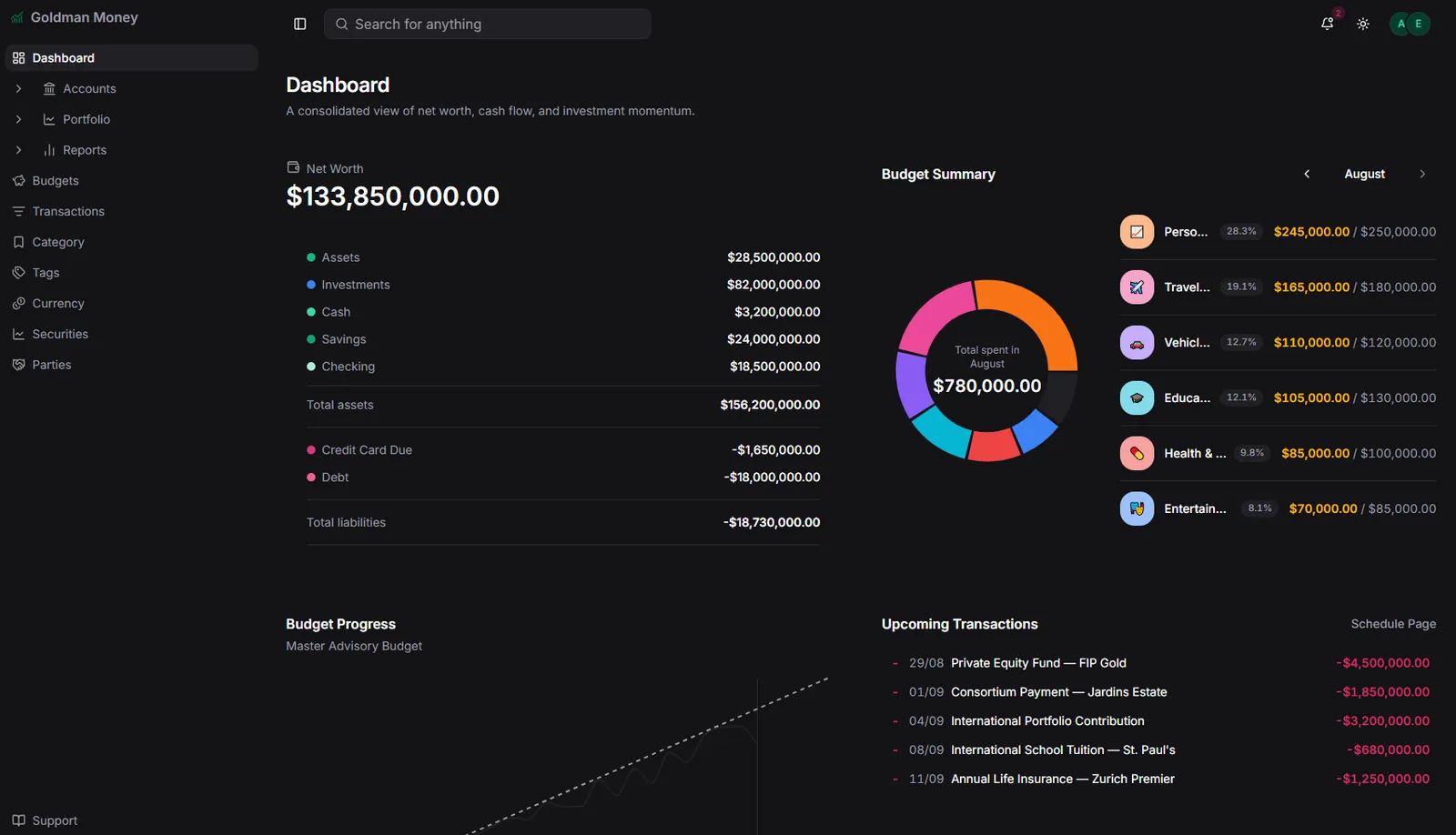
Accounts, cards, savings and investments in one place, added up into one number in your main currency. Cash flow and month-by-month progress on the same screen.
Inside
Net worth: what you own minus what you owe.
Cash flow: what came in and what went out, month by month.
Account folders: organize them in whatever way makes sense.
Loans with amortization: principal, interest and remaining balance, month by month.
Same numbers everywhere: overview and reports use the same rules.
Enter it once. The rest sorts itself out.
Import your bank statement and the app suggests a category for each line. Fixed one? It becomes a rule for future imports and can be applied to what's already there. What repeats every month gets added on its own.
Inside
OFX and CSV import: with duplicate detection and transfer matching.
Automatic bank connection: via Plaid, on the Pro plan.
Import rules: learn from your corrections and apply to the past.
Recurring transactions: rent, subscriptions and salary land on the right day; if you don't open the app for a few days, it catches up.
Upcoming transactions: what's coming due, before it's due.
Split transactions and attachments: one purchase across several categories, with the receipt attached.
Import complete
april-statement.ofx
Every dollar has a destination before you spend it.
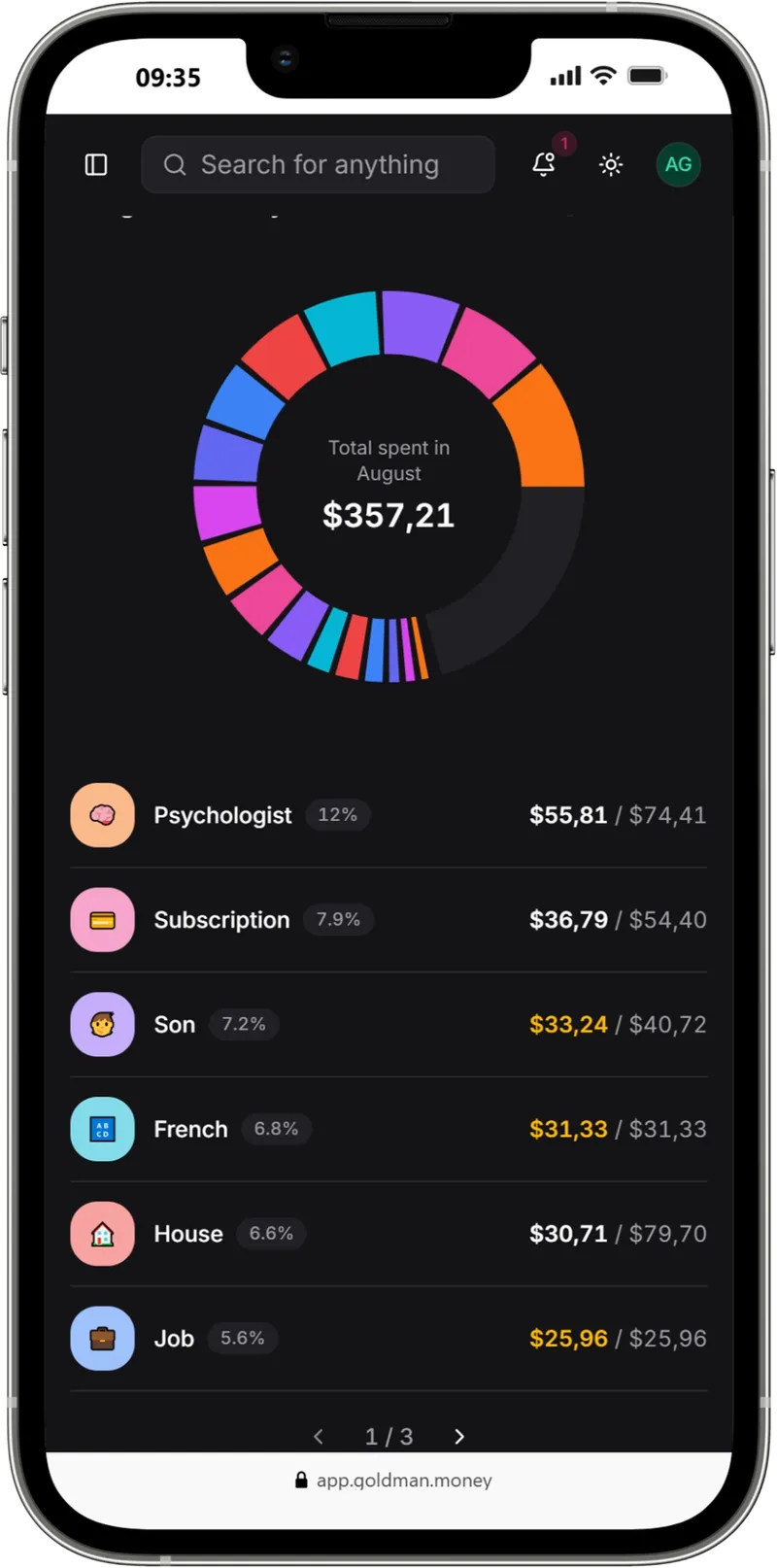
At the start of the month you split what's coming in across envelopes: rent, groceries, transport, fun. During the month, each expense comes out of the right envelope and you see, week by week, whether you're on pace.
Inside
Envelopes by category: each active category becomes an envelope automatically.
Weekly or monthly pace: groceries are tracked by week; rent, by month.
Kakebo: before the month, an intention; when you go over, a question; at the end, a reflection. It doesn't block you, it makes you think.
From total to cent: tap an envelope and see every expense in it.
Your goal stops being "whatever's left".
Say how much you want to save and by when. Goldman Money works out how much is left per month, shows whether you're on pace and, when the month closes with money left over, moves it to your goal.
Inside
Goals that don't reset: the balance carries across months.
How much per month: calculated from the deadline and what's already saved.
Distribute the surplus: after the month's reflection, what's left in your envelopes goes to the goal.
Goal limit: it knows how much still fits without hurting your budget.
Emergency fund
to go
This goal's limit
$250.00
Needed per month
$100.00
Ask the AI you already use. It only changes something if you approve.
Connect Goldman Money to ChatGPT, Claude and other MCP-compatible AIs (Basic and Pro plans). The AI reads your budget, points out where money is sitting idle and proposes changes; nothing changes without your "approve".
Inside
Reads your budget: envelopes, spending and goals, in the context of the conversation.
Proposes adjustments: shows where money is idle and where limits overflow.
Nothing changes without you: every change waits for your "approve".
MCP-compatible: ChatGPT, Claude and other AIs, on the Basic and Pro plans.
Your AI assistant
Connected to Goldman Money
Full analysis complete!
I found a few inefficiencies in your current budget and put together a plan to optimize your money.
Idle money
Recurring overruns
My adjustment recommendation
Reduce Clothing to C$ 50/month and reallocate to Delivery (C$ 120) and Bars (C$ 55).
C$ 124.13 remains free this month. I recommend moving it to your Travel fund, bringing its completion forward to next July.
Do you approve the envelope adjustments and transfer to the Travel goal?
Shared finances without a shared spreadsheet.
Create a space for your household and invite whoever shares the bills with you by link. Each person has a role: owner, editor or read-only. Your other spaces stay yours.
Inside
Invite by link: whoever you invite joins the right space.
Roles: owner, editor and viewer.
Separate spaces: personal and household, each with its own data.
Limits by plan: up to 4 spaces and 4 members on Basic; up to 8 on Pro.
Know how big the bill is before it arrives.
Your card works by statements, just like at the bank. An installment purchase spreads itself across the upcoming statements, and you see today's balance and the projected balance side by side.
Inside
Statements in sequence: open, closed and paid, per card.
Installments spread out: "10x" becomes ten lines, each on the right statement and linked to the original purchase.
Current vs. projected balance: what you owe today and what you'll owe after everything already in installments.
Bill payment: straight from your checking account, with the balance updated.
Statement
October 2026
+3 transactions
Upcoming statements
Not open yetCredit limit
$760.00
Available limit
$74.52Already includes future installments.
Bring your accounts, currencies and investments together and close the month knowing what is left, in the currency you think in.